Flux 3 AI
Video & Image Generator
Create cinematic AI videos and pro-grade Flux images in one platform. Flux 3 AI puts 41 AI models — from Google Veo and Sora 2 to Flux 2 Pro — behind one account, one credit pool, and one simple workspace for creators, marketers, ecommerce brands, agencies, developers, and businesses. Write a prompt, upload a visual reference, describe the motion or the frame, and generate. Use the video models for social clips, product campaigns, cinematic scenes, storyboards, and ads — and the image models, led by Flux 2 Pro from Black Forest Labs, for photorealistic stills, brand visuals, and instruction-based edits with Flux Kontext. Everything lands in one library, draws from one credit balance, and downloads without added watermarks.
Text-to-video • Image-to-video • Text-to-image • Image editing • API access
Core Capabilities
Core AI Video Generation Capabilities
Our AI video generator gives users a flexible way to explore modern AI video creation from text prompts, image references, existing assets, scripts, and story ideas. Use one workspace to test cinematic scenes, product videos, creator content, ads, animated visuals, storyboard clips, and developer-friendly video workflows without depending on separate tools for every step.

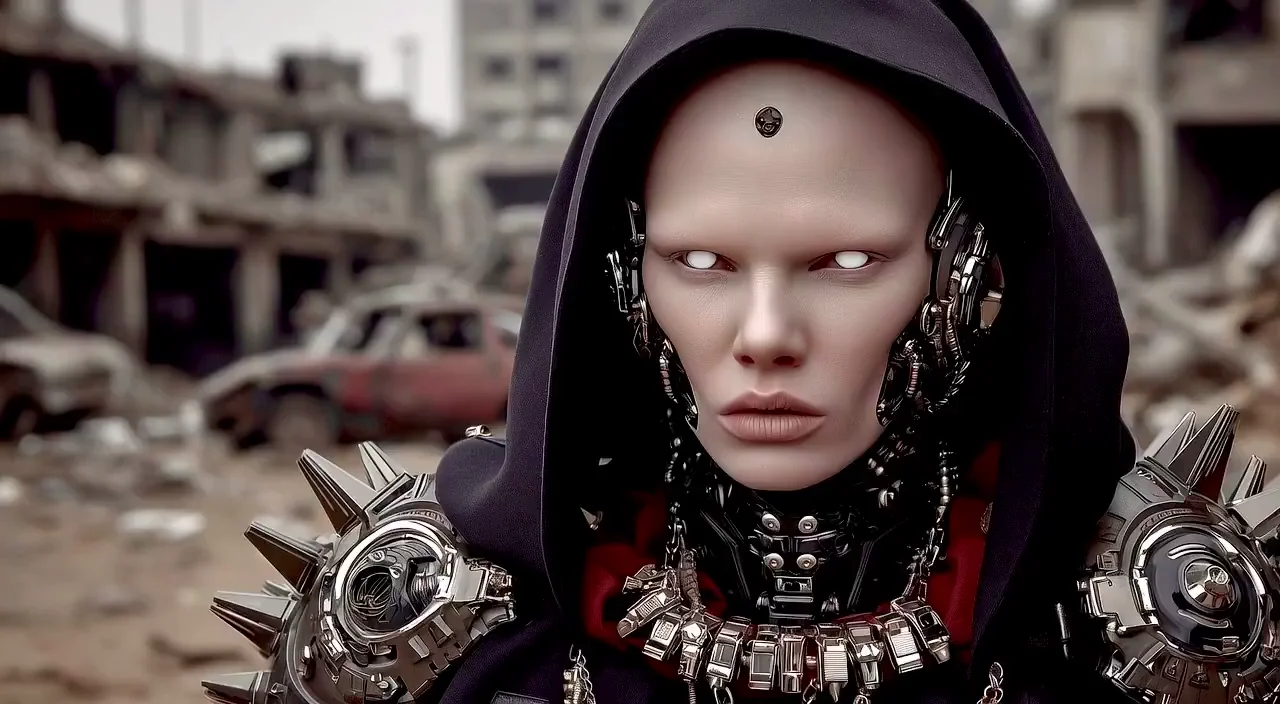
Image Capabilities
Pro-Grade AI Image Generation Capabilities
Alongside video, Flux 3 AI is an AI image workspace built around the Flux family from Black Forest Labs. Generate photorealistic stills with Flux 2 Pro, edit existing images with plain-language instructions in Flux Kontext, keep characters and products consistent with reference inputs, and finish everything with upscaling — all from the same credit pool as your videos.
AI Video Examples Made with Our Generator
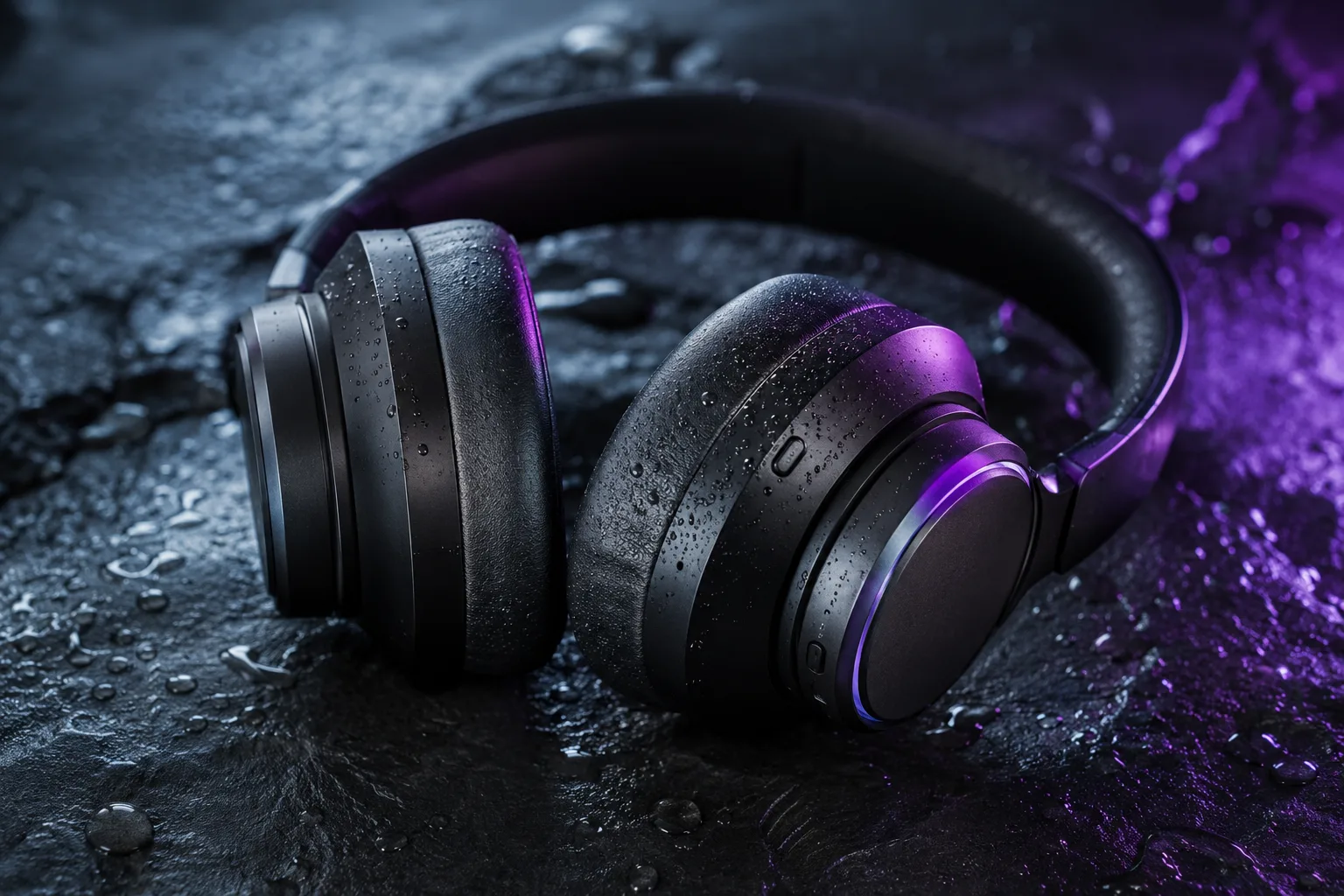
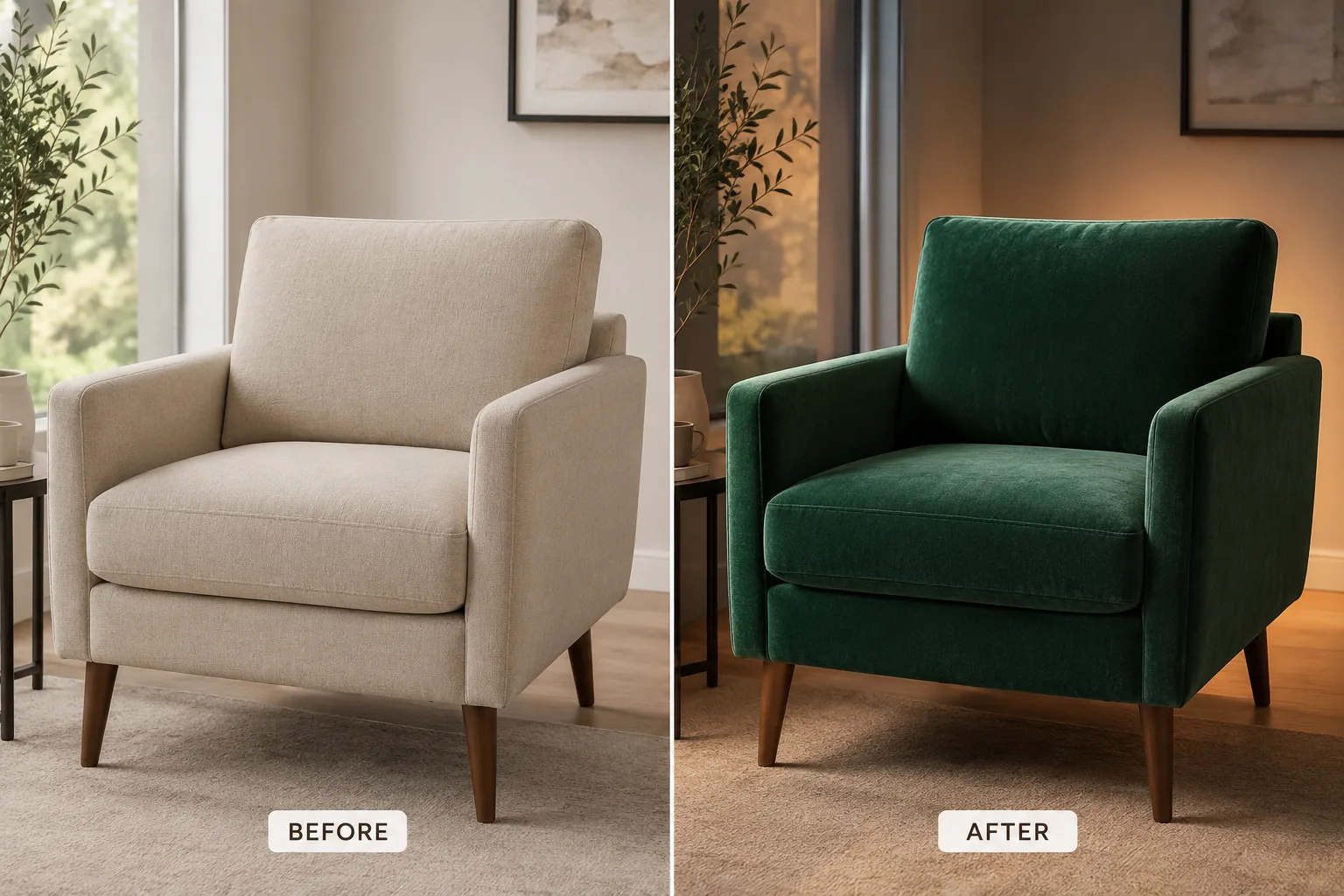
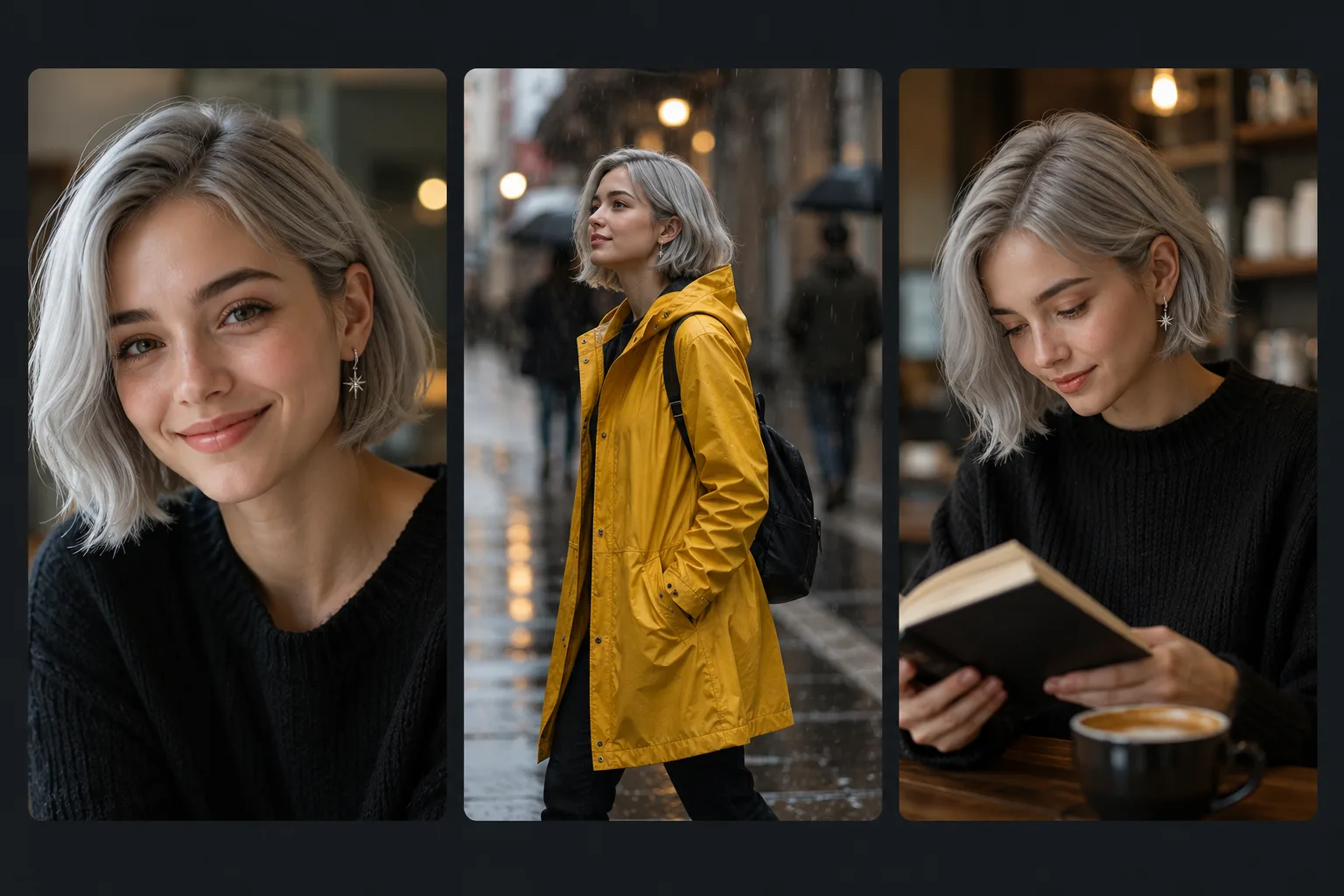
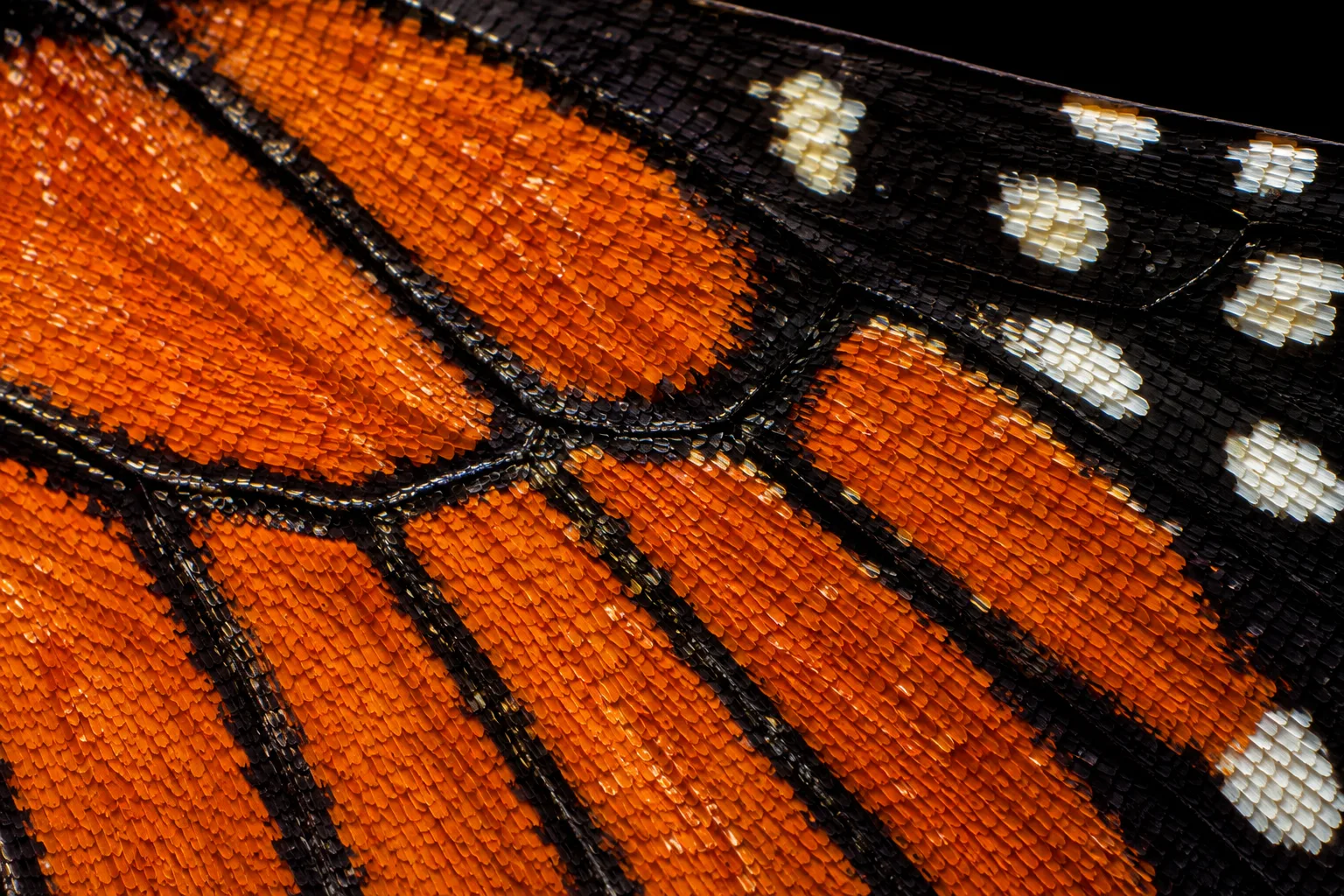
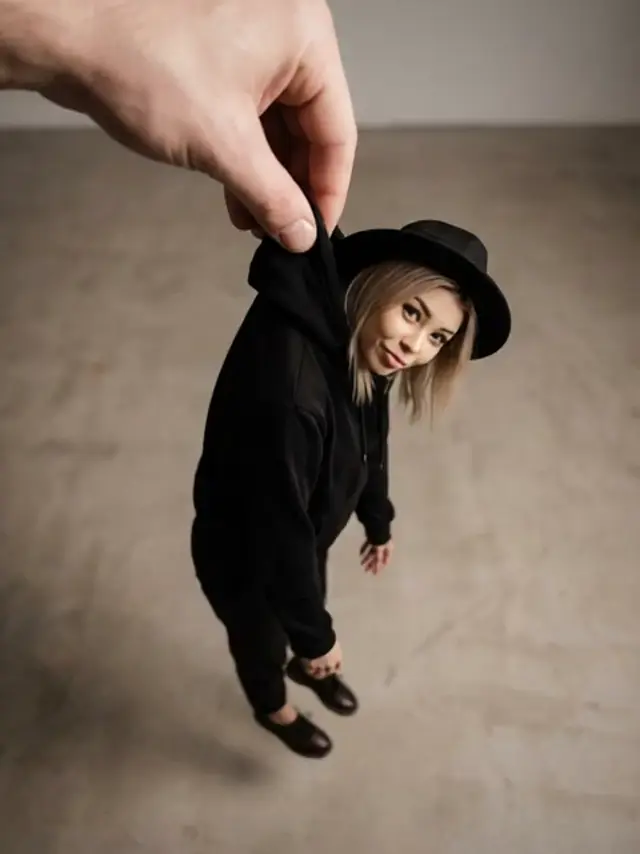
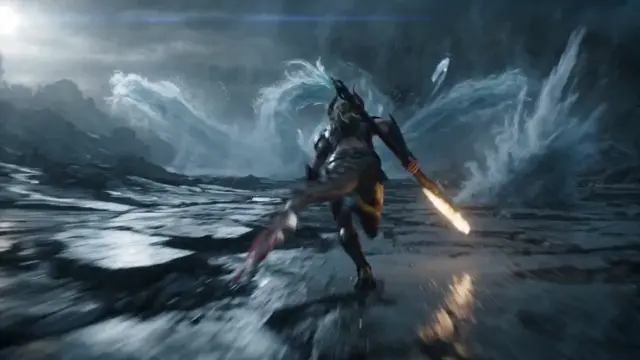
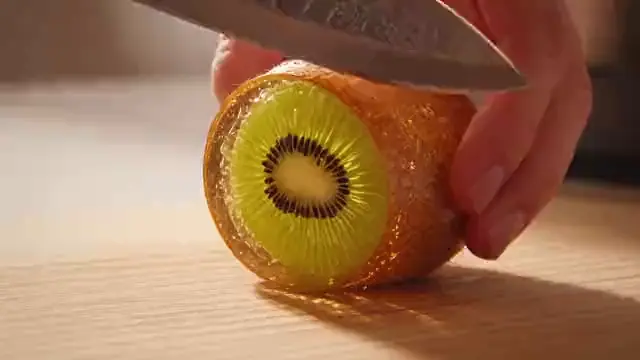
Explore examples made with our AI video generator: cinematic landscapes, ecommerce product ads, fashion visuals, character scenes, social media clips, fantasy worlds, brand stories, architecture previews, travel content, app launch videos, music visuals, and AI-generated story concepts. Each example can show how prompt details such as subject description, lighting, camera motion, style, aspect ratio, pacing, and sound direction influence the final result.

What Can You Create? Popular Use Cases
Short-Form Videos for Content Creators
Create short-form video concepts for YouTube Shorts, TikTok, Instagram Reels, creator pages, thumbnails, intros, and visual hooks.
Video · Social · StorytellingProduct Videos for Ecommerce
Turn product photos and campaign concepts into dynamic video visuals with premium motion, lighting, and presentation.
Products · Ecommerce · CampaignsVideo Ads for Marketing Teams
Produce faster campaign concepts for paid ads, landing pages, brand launches, and social media testing.
Marketing · Ads · CampaignsMotion Concepts for Designers
Transform static brand assets, mockups, posters, and mood boards into motion-based creative directions.
Design · Motion · ConceptsStoryboards for Filmmakers
Visualize scenes, shots, moods, and camera movement before production.
Film · Storyboards · PrevisualizationAPI Workflows for Developers
Build AI video features into apps, creative tools, marketing platforms, and automation systems.
API · Automation · SaaSComparison
Flux 3 AI vs Single-Model Subscriptions
Most AI models are sold one at a time — one subscription for video, another for images, another for editing, each with its own account, interface, and bill. Flux 3 AI takes the platform approach instead: 41 video and image models behind one account, one credit pool, and one library.
Flux 3 AI
- AI Video Generation
- AI Image Generation
- Models in One Account 41
- Text to Video
- Image to Video
- Instruction Image Editing
- One Shared Credit Pool
- Watermark-Free Downloads
- Commercial Use (Paid Plans)
- Free Starter Credits
- No Coding Required
- Single Account for Everything
- Try Models Before Committing
Single-Model Subscription
- AI Video Generation varies
- AI Image Generation varies
- Models in One Account 1
- Text to Video varies
- Image to Video varies
- Instruction Image Editing varies
- One Shared Credit Pool
- Watermark-Free Downloads varies
- Commercial Use (Paid Plans) varies
- Free Starter Credits varies
- No Coding Required
- Single Account for Everything
- Try Models Before Committing
Multiple Subscriptions
- AI Video Generation
- AI Image Generation
- Models in One Account a few
- Text to Video
- Image to Video
- Instruction Image Editing
- One Shared Credit Pool
- Watermark-Free Downloads varies
- Commercial Use (Paid Plans) varies
- Free Starter Credits varies
- No Coding Required
- Single Account for Everything
- Try Models Before Committing
Direct Model APIs
- AI Video Generation
- AI Image Generation
- Models in One Account per API
- Text to Video
- Image to Video
- Instruction Image Editing
- One Shared Credit Pool
- Watermark-Free Downloads varies
- Commercial Use (Paid Plans) varies
- Free Starter Credits rare
- No Coding Required
- Single Account for Everything
- Try Models Before Committing
Traditional Production
- AI Video Generation manual
- AI Image Generation manual
- Models in One Account —
- Text to Video
- Image to Video
- Instruction Image Editing manual
- One Shared Credit Pool
- Watermark-Free Downloads
- Commercial Use (Paid Plans)
- Free Starter Credits
- No Coding Required
- Single Account for Everything
- Try Models Before Committing
Subscribing to a single model locks you into one look and one roadmap; stacking multiple subscriptions means separate accounts, separate bills, and content scattered across services; calling model APIs directly requires engineering time before the first frame renders. Flux 3 AI sits in the middle: one sign-up, free starter credits to test any model, and a shared credit pool that lets you run Google Veo for a hero video, Flux 2 Pro for the campaign stills, and Flux Kontext for the revisions — all in one library, with no added watermarks and commercial rights on paid plans.
AI Models
AI Video & Image Models Available on the Platform
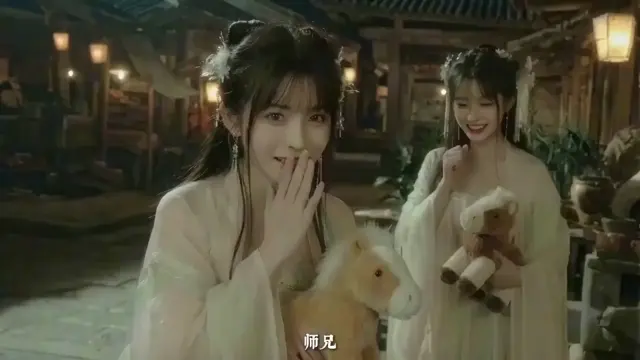
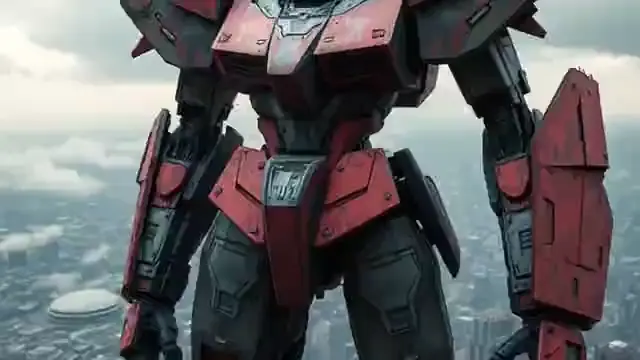
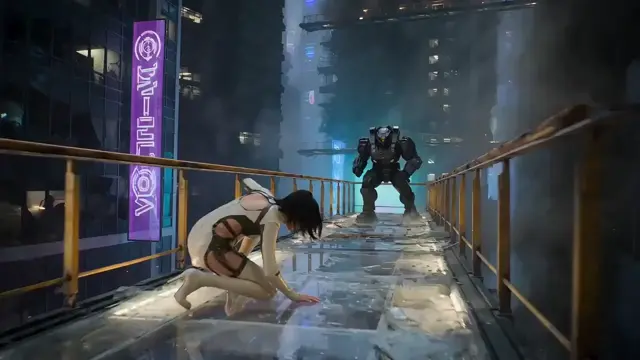
Flux 3 AI hosts 41 AI models across 9 families — cinematic video generators and pro-grade image models — each built for different creative needs, all sharing one account and one credit pool.


How to Create a Video with Flux 3 AI
Creating a video with our AI video generator is simple. Start with a text prompt or image reference, add your creative direction, generate your video, then refine the result until it matches your goal.
Enter Your Video Prompt
Describe the subject, action, setting, camera movement, shot framing, lighting, mood, visual style, pacing, aspect ratio, and any sound or dialogue direction.
Add an Image Reference
Upload a product photo, character image, brand asset, scene reference, poster, concept frame, or visual guide to help the AI understand the look you want.
Choose the Creative Direction
Define the output style, motion intensity, format, realism level, camera behavior, product focus, social platform ratio, or cinematic mood before generating.
Generate, Preview, and Refine
Review the video concept, improve the prompt, test variations, compare outputs, adjust details, and download or reuse the final result in your creative workflow.
AI Video Generator API
for Developers
The Flux 3 AI API program is designed for developers, SaaS founders, and product teams that want to integrate AI video generation into their own apps, workflows, and creative platforms. API access is available on request while the program rolls out — here is what it covers for text-to-video, image-to-video, generation status, and media delivery.
- Text-to-Video APIGenerate video concepts from prompts, structured briefs, scripts, product descriptions, campaign ideas, and app-based creative inputs.
- Image-to-Video APITransform uploaded product images, character references, brand visuals, concept art, and design assets into motion-based video outputs.
- Generation StatusTrack queued jobs, generation progress, completed outputs, failed requests, and workflow states for a smoother in-app user experience.
- Media DeliveryRetrieve generated video assets for previews, dashboards, storage, publishing flows, campaign tests, customer projects, or automated creative pipelines.
- Developer DocumentationProvide clear endpoint guidance, request examples, response handling notes, rate limit details, media delivery instructions, and integration best practices.
The API can support creative SaaS tools, ecommerce media platforms, marketing automation systems, social content apps, internal production dashboards, and AI-powered video workflows. To join the API program, reach out through the Help Center with a short description of what you are building and we will follow up with access details.
Request API accessconst response = await fetch('https://api.flux3ai.com/v1/generate', {
method: 'POST',
headers: {
'Authorization': `Bearer ${API_KEY}`,
'Content-Type': 'application/json'
},
body: JSON.stringify({
prompt: "A horse galloping through golden fields at sunset",
mode: "text-to-video",
resolution: "1080p"
})
});PRICING
Pricing & Plans
Choose a plan based on how often you create videos, test prompts, generate product visuals, build social media campaigns, or integrate AI video generation into your own tools. Start with a plan for exploration, upgrade for more frequent creation, or choose a higher tier for agencies, ecommerce teams, developers, and businesses that need more credits, faster workflows, or API access.
Starter
For testing and light usage
- Veo 4
- Happy Horse 1.0
- Text-to-video
- image-to-video
- reference-to-video
- Up to 5-second-long videos
- Up to 720P video quality
- Fast AI video generation
- Advanced creative controls
Creator
For regular creators and marketers
- Veo 4
- Happy Horse 1.0
- Text-to-video
- image-to-video
- reference-to-video
- Up to 10-second-long videos
- Up to 1K video quality
- Fast AI video generation
- Advanced creative controls
- Priority processing
Studio
For teams, agencies, and higher usage
- Veo 4
- Happy Horse 1.0
- Text-to-video
- image-to-video
- reference-to-video
- Up to 15-second-long videos
- Up to 1K video quality
- Fast AI video generation
- Advanced creative controls
- Priority processing
- Priority support
AI Video
Prompt Ideas
Not sure where to start? Use these AI video prompt examples to create cinematic videos, product ads, social clips, fantasy scenes, realistic motion, and image-to-video animations.
"A wide cinematic shot of a futuristic coastal city at sunrise, soft golden light reflecting on glass towers, slow aerial camera movement, realistic atmosphere, gentle wind, detailed shadows, elegant sci-fi mood."
"A premium smartwatch on a dark reflective surface, slow macro camera push-in, soft rim light, subtle screen glow, floating dust particles, luxury commercial style, clean product reveal."
"A vertical 9:16 video of a creator walking through a neon street market at night, energetic handheld camera motion, colorful reflections, realistic crowd movement, fast-paced social media hook."
"Animate this product image with a slow camera orbit, realistic light movement, smooth background depth, premium reflections, and a clean launch campaign feeling."
"A traveler standing on a stone bridge above glowing clouds, a floating island in the distance, dramatic sunset, sweeping camera movement, cinematic fantasy atmosphere, detailed light rays."
"A modern creative team inside a futuristic video studio, large screens showing AI-generated scenes, soft blue and violet lighting, smooth camera orbit, professional brand storytelling style."
"A minimalist kitchen countertop scene featuring a premium coffee machine, warm morning light, steam rising from a cup, slow product-focused camera movement, clean lifestyle advertising mood."
"A tense cinematic close-up of a detective entering an empty train station at midnight, rain reflections on the floor, slow dolly movement, muted colors, suspenseful atmosphere."
Frequently Asked Questions
About Flux 3 AI
Find answers to common questions about Flux 3 AI features, capabilities, pricing, API access, and commercial usage.
What is Flux 3 AI?
Flux 3 AI is a multimodal AI generation platform that puts 41 video and image models behind one account and one credit pool. It hosts leading video models like Google Veo, Sora 2, Kling, and Seedance alongside image models led by Flux 2 Pro from Black Forest Labs, so creators, marketers, agencies, developers, and businesses can generate videos and images in one workspace.
How does Flux 3 AI work?
You pick a model in the Create studio, write a prompt or upload a reference, set options like aspect ratio and duration, and generate. Every generation spends credits from the same shared balance, and all results — video and image — are saved together in your library.
Can I generate videos from text prompts?
Yes. Describe the subject, action, environment, lighting, camera movement, mood, and aspect ratio, then run the prompt on any of the text-to-video models on the platform, from Google Veo to Sora 2, Kling, Seedance, Hailuo, and Wan.
Can I create videos from images?
Yes. Upload an image and add motion instructions to animate it into a video clip. This is useful for product photos, brand assets, character images, concept art, fashion visuals, posters, and thumbnails.
Can I generate and edit images too?
Yes. The image side of the catalog is built around the Flux family from Black Forest Labs: Flux 2 Pro for photorealistic text-to-image generation and Flux Kontext for instruction-based editing that changes only what you ask for. GPT Image, Imagen 4, Seedream, and Nano Banana are also available from the same credit pool.
Which models are available on Flux 3 AI?
The catalog spans 41 models across 9 families. Video models include Google Veo 3.1, Sora 2, Kling, Seedance, Hailuo, Wan, and Grok. Image models include Flux 2 Pro, Flux Kontext, GPT Image, Imagen 4, Seedream, and Nano Banana. Each model has its own page under the Models section with capabilities and prompt examples.
Is the platform good for product visuals?
Yes. Use image models like Flux 2 Pro for product stills and lifestyle scenes, Flux Kontext for color swaps and background changes, and the video models for product showcases, ecommerce ads, packaging reveals, and social media product clips.
Does Flux 3 AI offer API access?
The platform supports API-based workflows for developers and product teams that want to integrate AI video and image generation into apps, dashboards, creative tools, ecommerce platforms, or marketing systems.
Is there a free plan?
New accounts include free starter credits that work on any model in the catalog, so you can test video and image generation before paying. Ongoing use runs on credit-based plans listed on the pricing page, with higher tiers for teams that need more volume or API access.
Can I use the results commercially?
Yes — paid plans include commercial usage rights for the videos and images you generate, and downloads carry no added watermark. Review the platform terms for specifics before using outputs in paid campaigns or client work.
Does Flux 3 AI add watermarks?
No. Videos and images download from your library without any watermark added by the platform.
Is Flux 3 a model I can select?
No — Flux 3 AI is the name of the platform, not a shipped model. The site is built around the Flux family from Black Forest Labs, and the newest BFL generation available in the catalog is Flux 2 Pro for generation and Flux Kontext Pro/Max for editing.
Is this an official Black Forest Labs or Google website?
No. Flux 3 AI is an independent platform. It is not affiliated with, sponsored by, or endorsed by Black Forest Labs, Google, Google DeepMind, OpenAI, ByteDance, or any other model provider; all model names belong to their respective owners and are used for identification.
How long can generated videos be?
It depends on the model — most produce clips in the 5-10 second range per generation, and several support extending a clip into a longer sequence. Each model page lists its supported durations, resolutions, and aspect ratios.
Share & Earn
Free Credits
Invite friends and colleagues to the platform. When they sign up using your referral link, you both receive bonus video generation credits. The more you share, the more you create.
Start Creating
with Flux 3 AI
Turn your ideas into cinematic AI videos and pro-grade Flux images in one simple workspace — text-to-video, image-to-video, text-to-image, and instruction-based image editing on a single credit pool.
Built for creators, marketers, developers, and businesses.